Connect the tools
you already use.
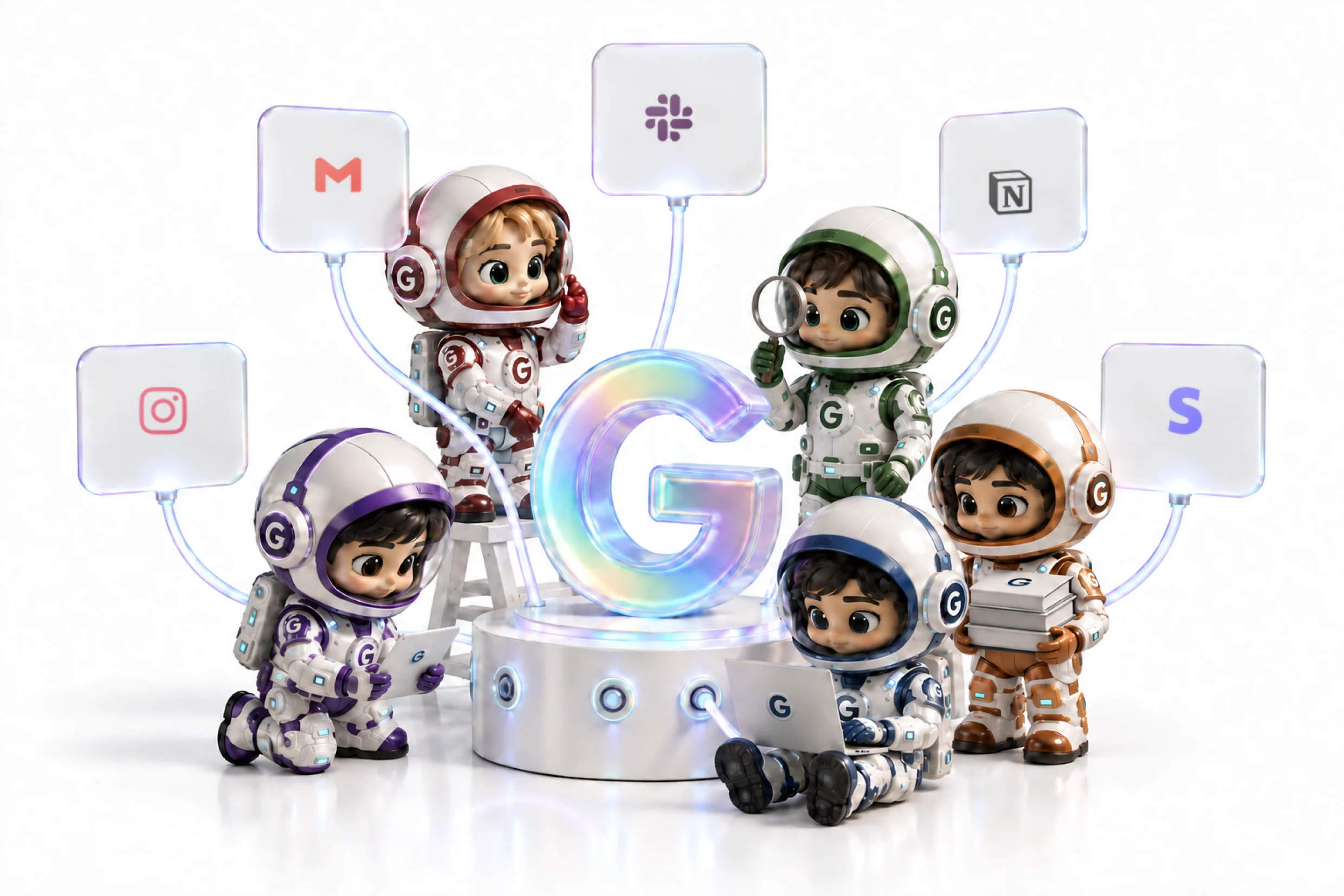
Your AI employees work inside Gmail, Slack, Notion, Shopify and 1,500+ more apps.
One-click setup. No code, no API keys.
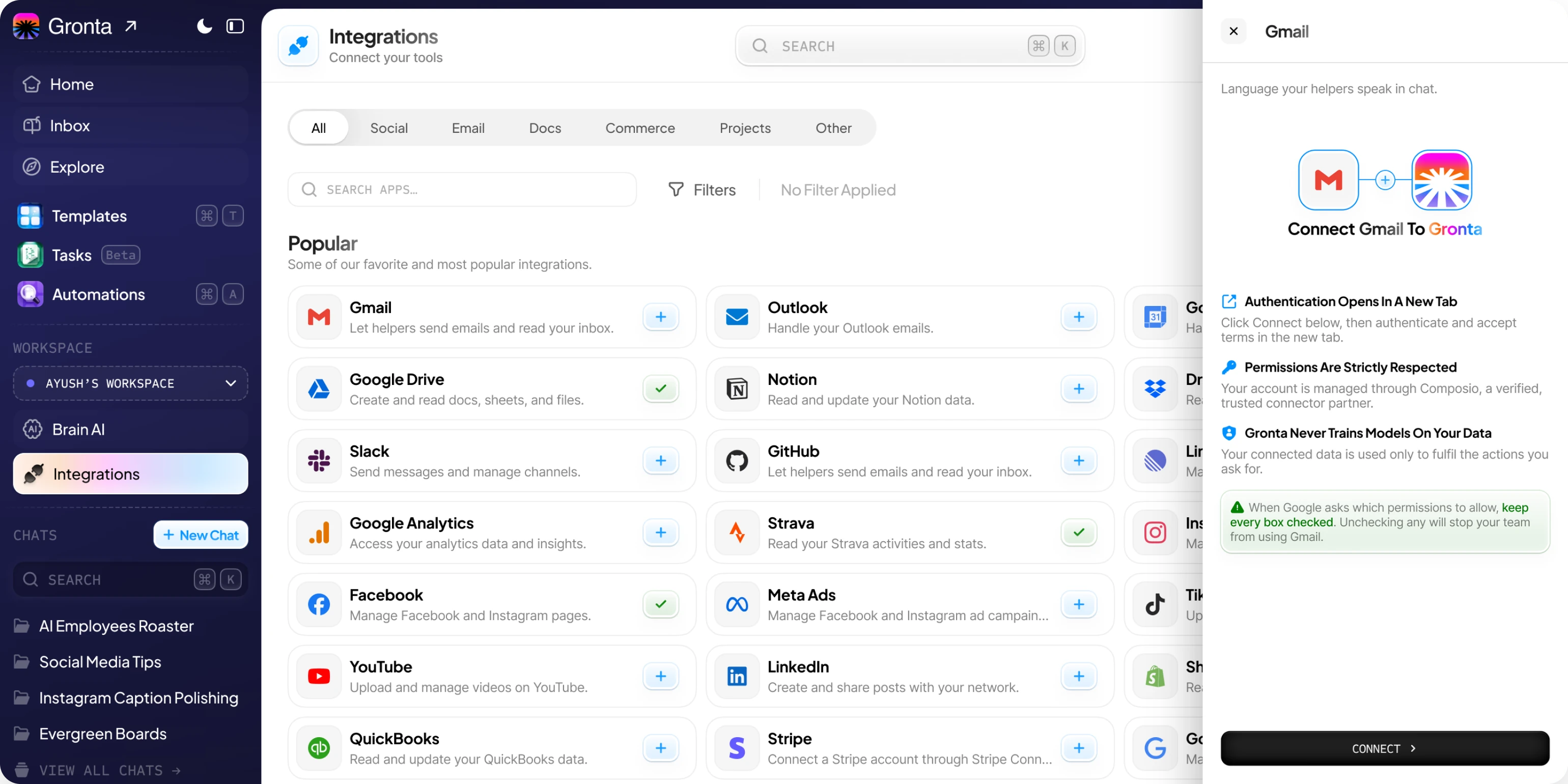
 GmailSend email and read your inbox.
 OutlookHandle your Outlook mail.
 Google CalendarSee, create and delete events.
 Google DriveCreate and read docs, sheets, files.
 NotionRead and update your Notion data.
 DropboxRead and update your Dropbox data.
 SlackSend messages and manage channels.
 GitHubManage issues and pull requests.
 LinearManage issues, projects and teams.
 Google AnalyticsAccess your analytics and insights.
 StravaRead your activities and stats.
 InstagramManage your Instagram Business.
 FacebookManage Facebook and Instagram Pages.
 Meta AdsManage Meta ad campaigns.
 TikTokUpload and manage TikTok videos.
 YouTubeUpload and manage YouTube videos.
 LinkedInCreate and share posts on LinkedIn.
 ShopifyRead and manage orders and products.
 QuickBooksRead and update QuickBooks data.
 StripeConnect an account via Stripe Connect.
 Workspace AdminManage Workspace domain users.
And far beyond the favourites
1,500+ more apps, already reachable.
Anything your team already runs on. Search the full catalogue from inside Gronta and connect it the same way — one click, no API keys.


Three clicks. No API keys.
Connect an app once and every AI employee that needs it can use it straight away.
- 01
Pick an app
Search the catalogue and choose what your team already uses.
- 02
Approve once
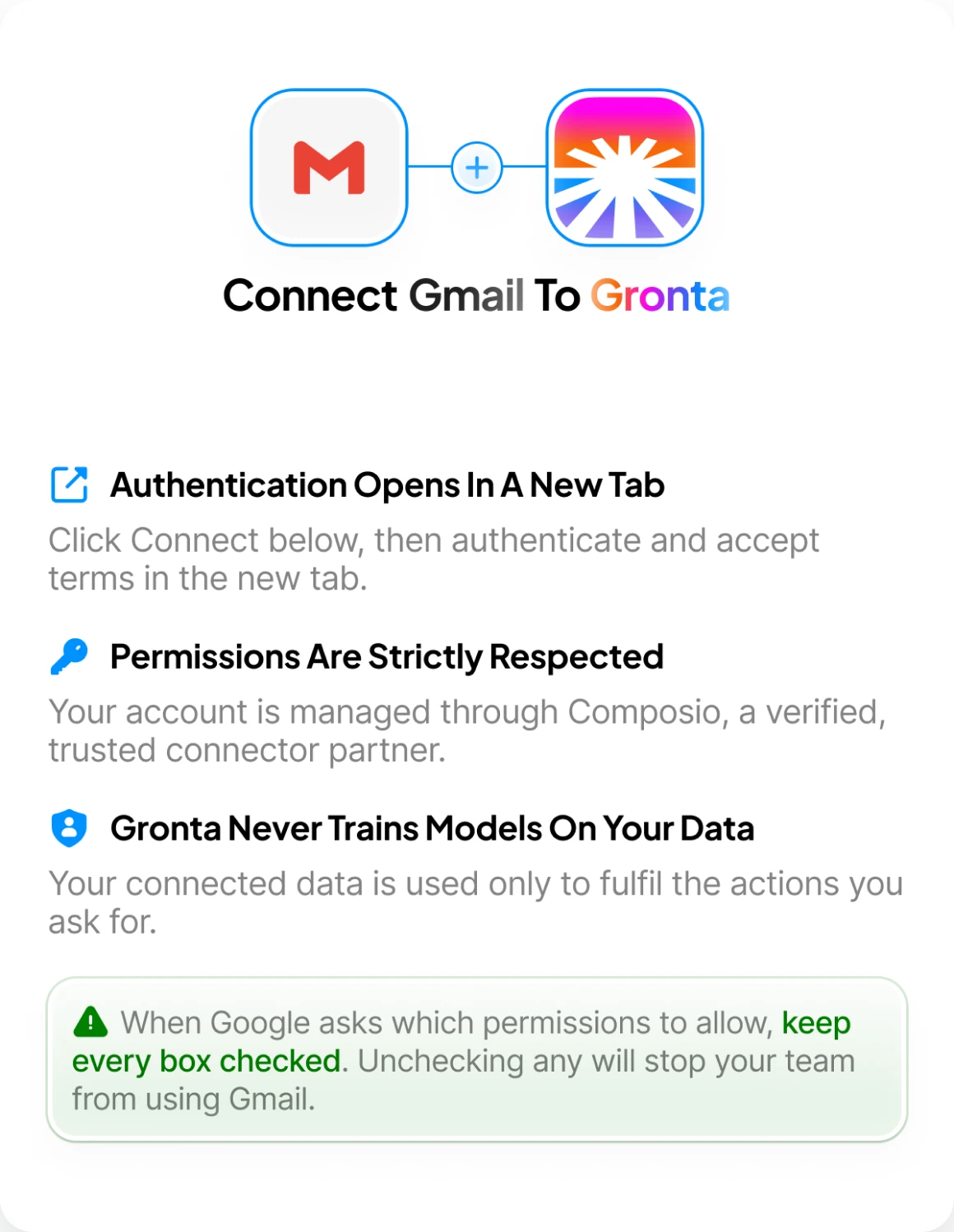
Sign in with the provider. Gronta never sees or stores your password.
- 03
Your team can use it
Every AI employee that needs it can act inside that app straight away.
Real actions, not just a login.
Connecting an app gives your employees specific, scoped abilities inside it.
- Gmail4 actions
Read your inbox, fetch a message, draft a reply, send email.
- Google Drive5 actions
Find, download, export and create files.
- Notion8 actions
Search pages, read markdown, create and update content.
- Google Calendar5 actions
Find, create and delete events; read calendars.
- Instagram13 actions
Publish media, read user info and account insights.
- Facebook11 actions
List managed pages, read posts and page insights.
You decide what they can touch.
Scoped by action, revocable in one click, and never more access than a task needs.
Scoped by action
Each integration is limited to a named set of actions — not blanket account access.
Read-only where it matters
Grant only what a task needs. An employee that reads your calendar cannot delete it.
Revoke any time
Disconnect an app in one click. Access ends immediately, and nothing is retained.
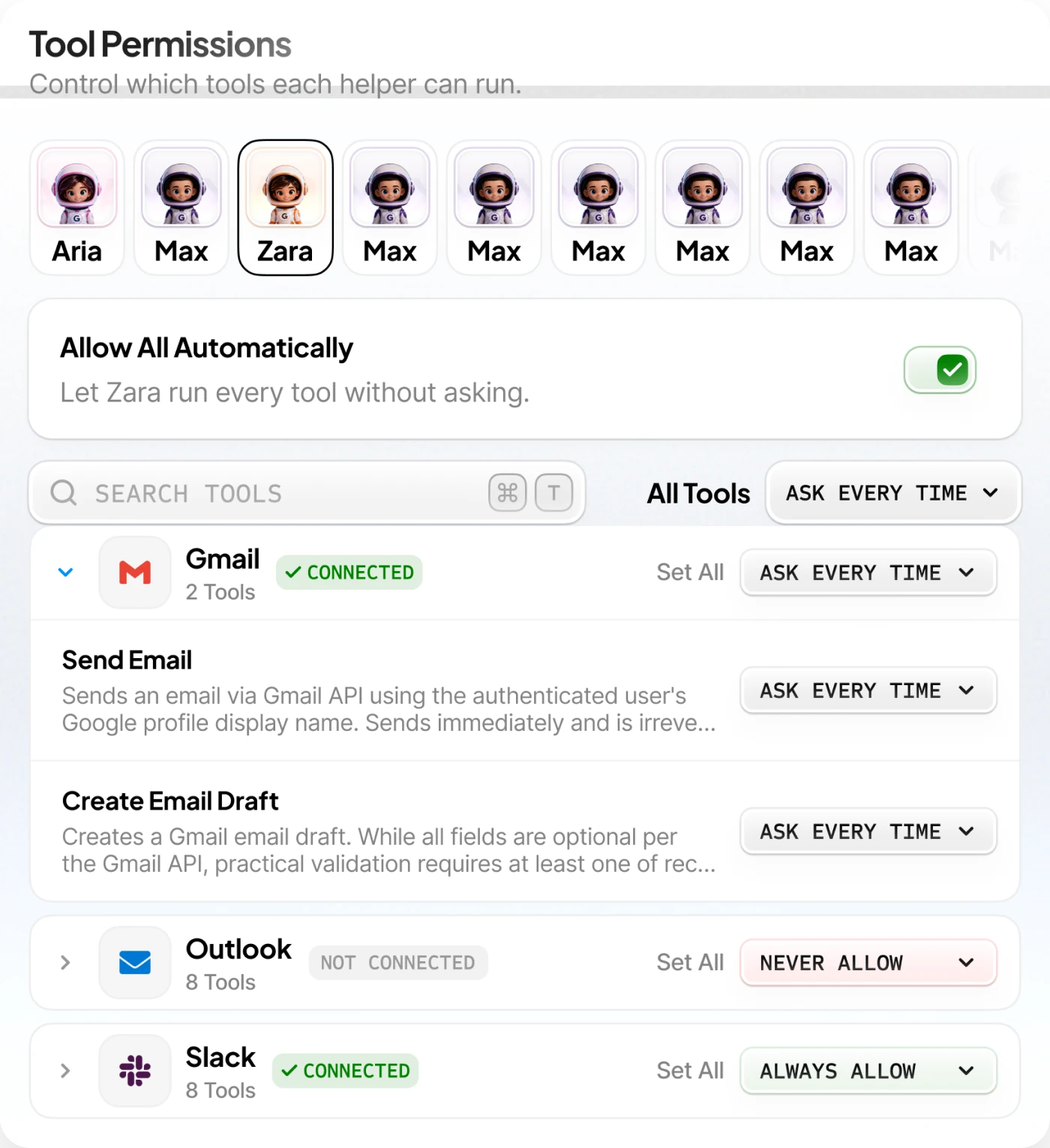
Different limits per employee
Every AI employee carries its own permission set — what Zara may run, Aria may not.
Set it up, then go deeper.
Step-by-step guides for every integration, plus the reference your developers will ask for.
Setup guides
Connect Gmail, Slack, Notion and the rest — one short guide per app.
Permissions reference
Exactly which actions each integration exposes, and what they touch.
Troubleshooting
Reconnecting, expired tokens, and what to do when a provider changes scopes.
API & webhooks
For teams building on top of Gronta rather than only inside it.