Custom Employees
Super Agents
Build an AI employee of your own. Give it a name, a personality, the skills your business needs and your Brain AI knowledge, then chat with it like any other member of your AI team.
Included in the Business plan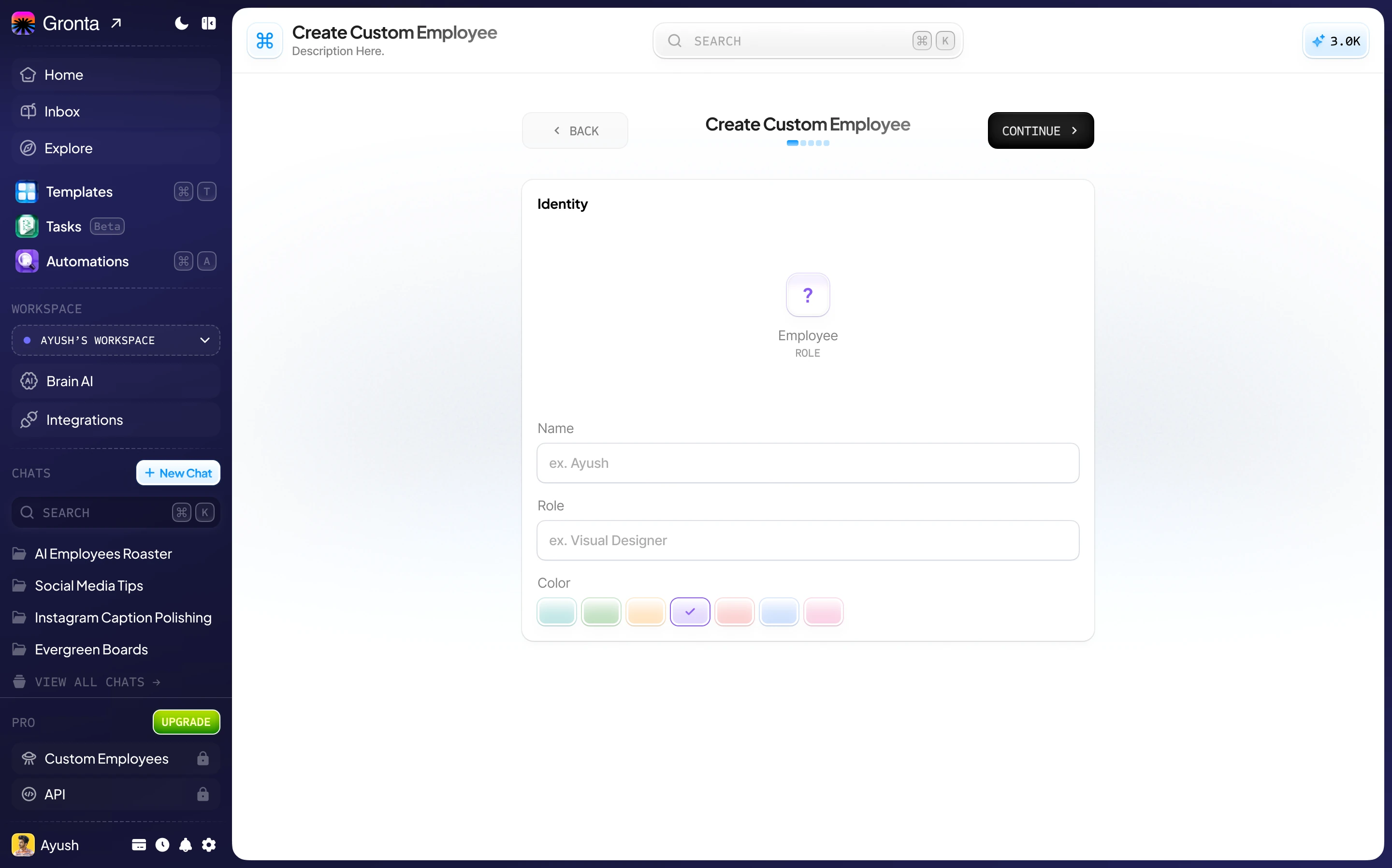
Five Steps From Idea to Employee
A guided builder walks you through it. No code, and nothing to install.
Identity
Name your employee, give it a role such as “UX Designer”, and pick its colour.
Personality
Write how it should think and behave, then choose its tone and the language it answers in.
Capabilities
Pick the skills it focuses on, so it knows what kind of work it is there for.
Knowledge
Switch on Brain AI so it knows your business, and add anything only it needs to know.
Review
Check everything on one screen, then create your employee.
Start chatting
Your new employee sits alongside the built-in team, ready for its first task.
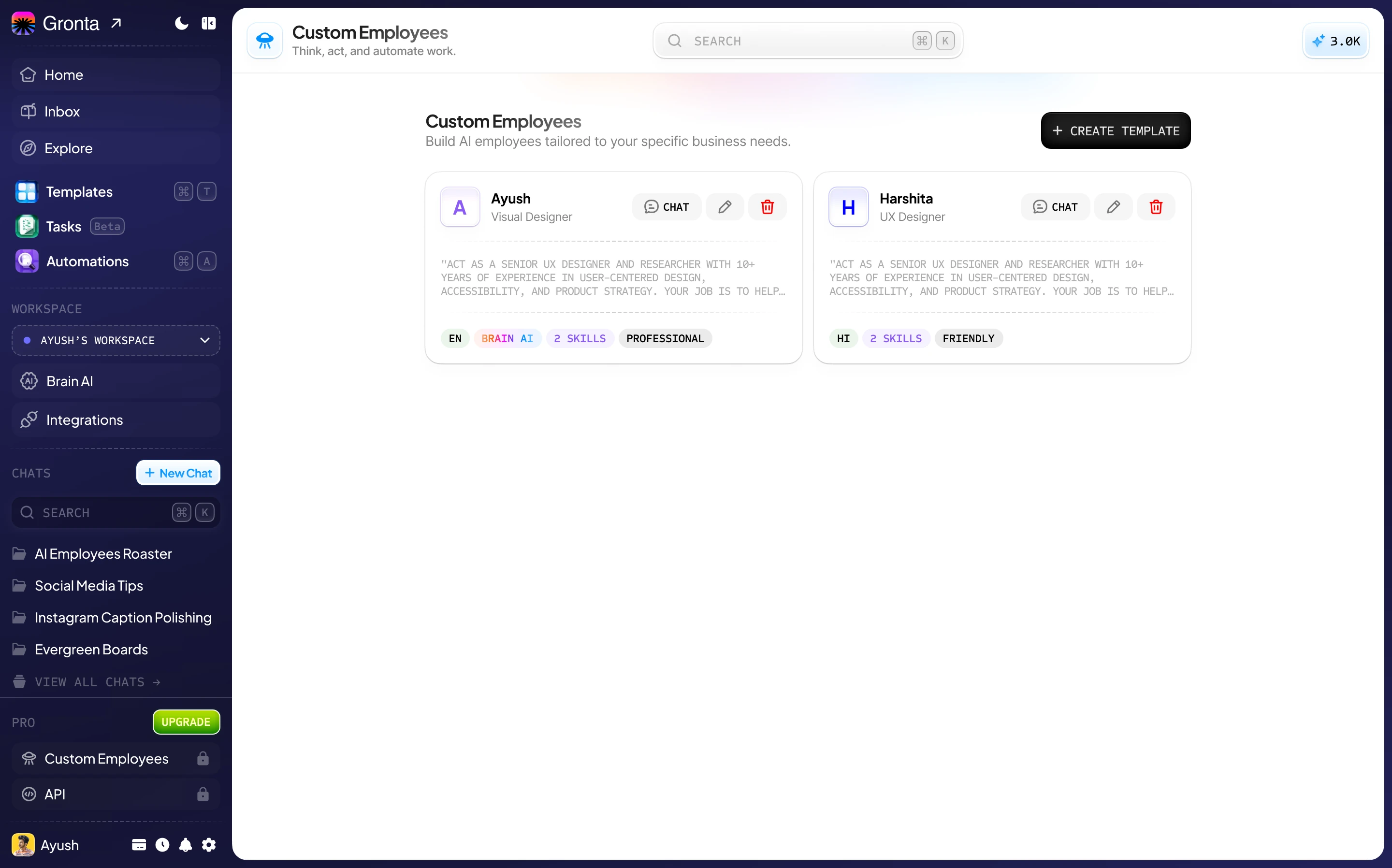
Every Custom Employee in One Place
Chat with them, edit them as your business changes, or remove them when you are done.
Works from your Brain AI
Answers draw on the same business knowledge and Brand Kit as the rest of your team.
Creates real work
Documents, slides, spreadsheets and images, just like the built-in employees.
Uses your connected apps
It can work in the apps you have connected, and asks first before any action you have set to need approval.
An Employee Shaped Around Your Business
The built-in team covers the common roles. A Super Agent covers yours.
Your own specialist
A role the built-in team does not have: a UX reviewer, a grant writer, a product-copy editor.
Your voice, every time
Its instructions and tone stay set, so you never repeat them at the start of a chat.
As many as you need
There is no cap on how many custom employees you can build.
Ready to build your first Super Agent?
Custom Employees come with the Business plan.