Core Feature
Automations
Give an AI employee a task and a schedule, and it gets done on its own. No code required.

How Automations Work
Three steps: write the task, pick a schedule, and let it run.
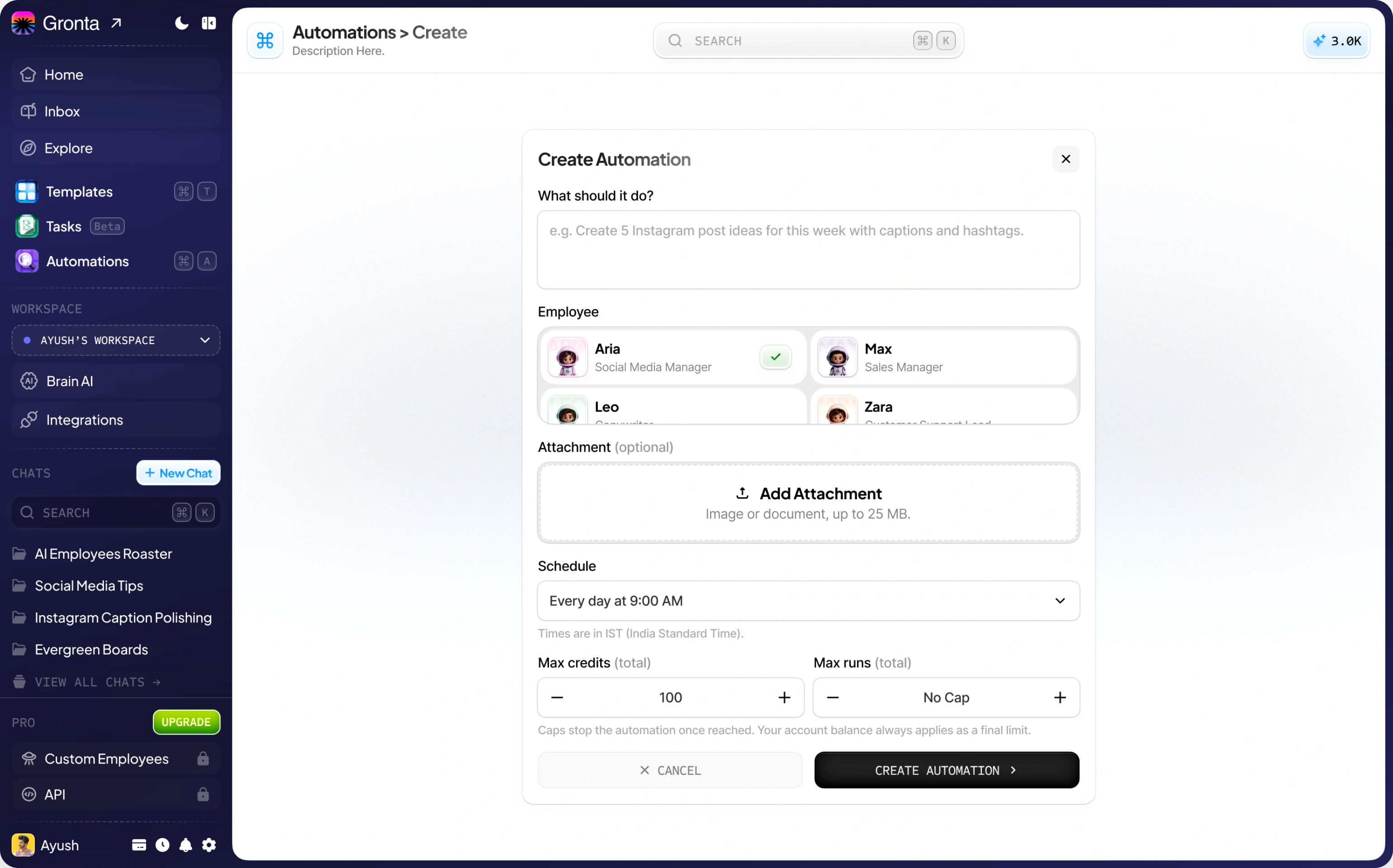
Write the task
Tell an AI employee what to do in plain words, and attach a file if it needs one.
Pick a schedule
Every morning, every Monday, the first of the month, and more.
Let it run
It runs on its own, and the result lands in your Inbox.
Popular Automations
Four ready-made ideas you can start in one click.
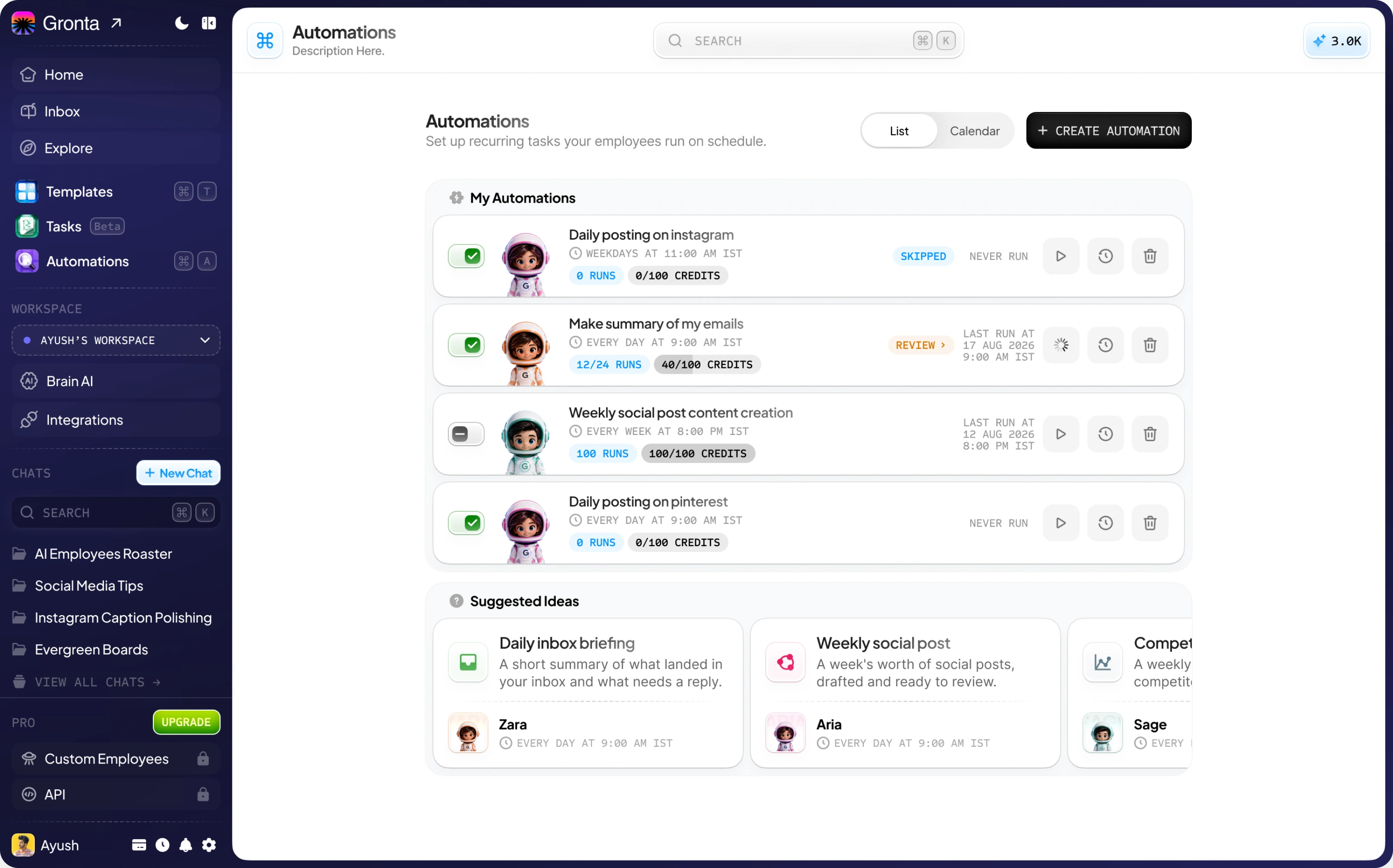
Daily inbox briefing
Zara summarises what landed in your inbox and what still needs a reply.
Weekly social post
Aria drafts a week's worth of social posts, ready for you to review.
Competitor price watch
Sage checks what competitors are charging and flags what changed.
Monthly SEO check
Rex reviews your search visibility and ranks what to fix next.
Why Automate with Gronta
Hands-off work, inside limits you set.
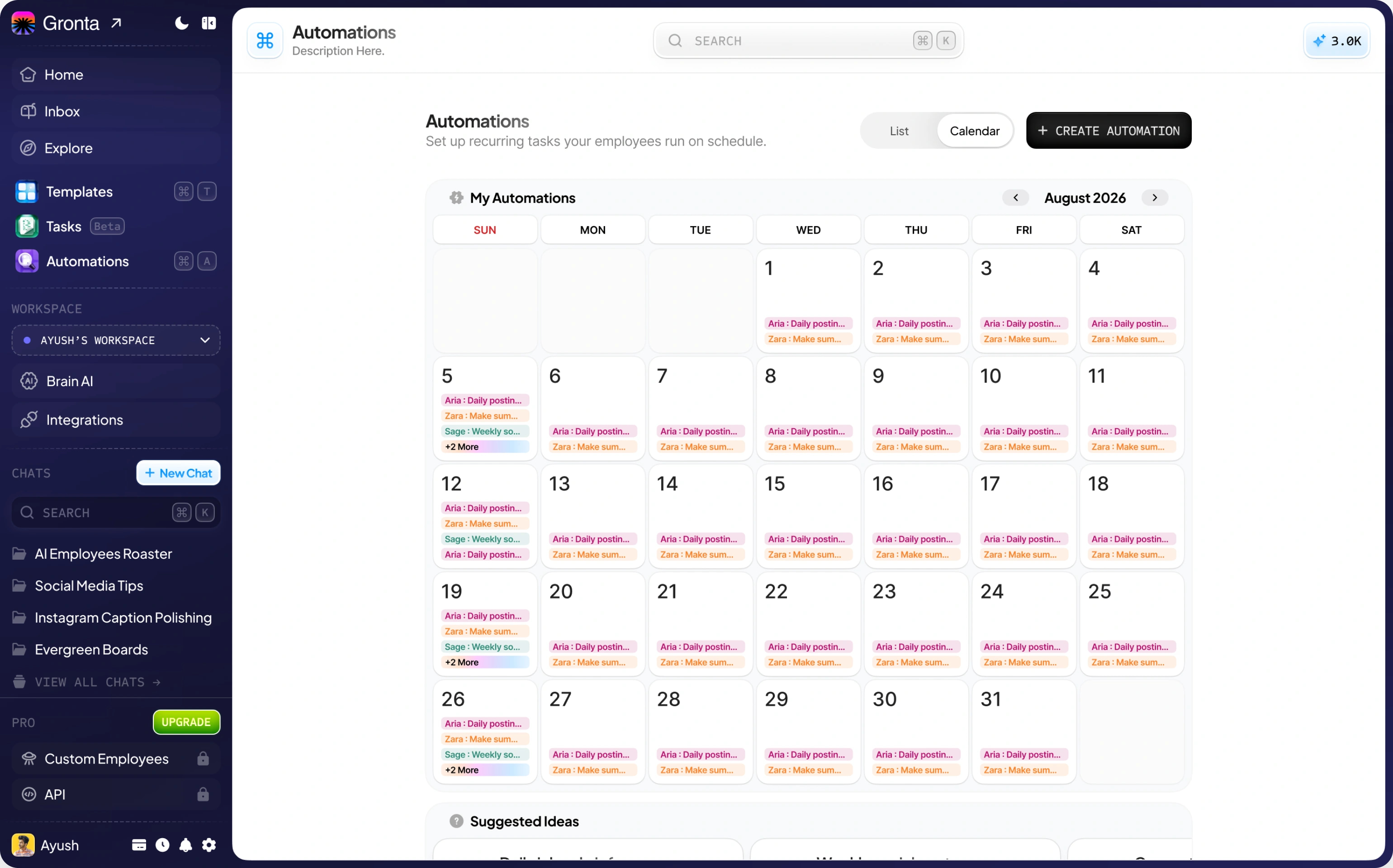
Work that happens without you
Scheduled tasks run on their own, even when you are not signed in.
Spending you control
Set a credit cap and a run limit on every automation, so a schedule never runs away with your balance.
You stay in charge
Actions you have set to need approval are never taken in an unattended run, and a run that needs your input waits for your reply.
Ready to put your business on autopilot?
Start on the Free plan. No card needed.